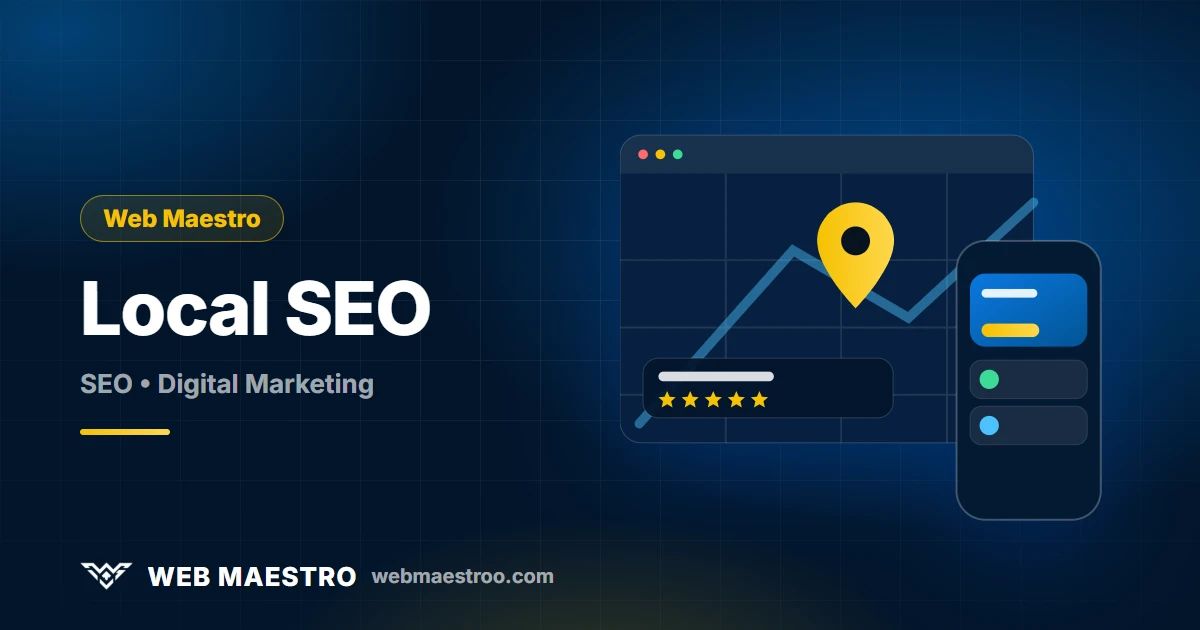
When someone in Amman, Irbid or Zarqa searches for "dentist near me" or "web design company", Google often shows a map and three local businesses before any website. Being one of them can bring more calls and visits than a normal ranking. This guide explains how local SEO works and how to improve it step by step.
Key takeaways
- Local results depend on three factors: relevance, distance and prominence.
- A complete, accurate Google Business Profile is the single most important local asset.
- Consistent name, address and phone (NAP) across the web builds trust.
- Genuine reviews and replies matter. Never buy reviews or pay for them.
How Google ranks local results
Google describes local ranking as a mix of three things:
- Relevance: how well your profile matches what the person searched for.
- Distance: how close your business is to the searcher or to the location they named.
- Prominence: how well known and trusted your business appears, based on reviews, links, mentions and your web presence.
You cannot change where you are, but you can improve relevance and prominence.
Step 1: Claim and verify your Google Business Profile
Search for your business on Google or Google Maps and claim the listing, or create one if it does not exist. Complete the verification Google asks for. Use your real business name exactly as it appears on your signage and documents. Adding keywords or locations to the name violates Google's guidelines and can lead to suspension.
Step 2: Fill in every field accurately
- Primary category: choose the most specific one, since it strongly affects relevance. Add secondary categories for other services.
- Address and service area: list your address if customers visit you; set service areas if you travel to them.
- Phone and website: use a local number and link to the most relevant page.
- Opening hours: including holidays, and keep them updated.
- Services and products: add each one with a clear description.
- Description: explain what you do and who you serve in plain language.
- Attributes: payment methods, accessibility and anything else that applies.
Step 3: Add real photos and keep posting
Upload clear photos of your storefront, team, products and work. Real images build trust and improve engagement. Use Google posts to share offers, news and events regularly so the profile looks active.
Step 4: Earn genuine reviews
Reviews are a major prominence signal and strongly influence whether people contact you. Ask satisfied customers after you complete a job, and make it easy by sharing your review link. Reply politely to every review, including the negative ones, and fix the issue if there is one. Google's policies forbid fake reviews and offering incentives in exchange for reviews, so keep everything honest.
Step 5: Keep your NAP consistent
NAP stands for name, address and phone number. Make sure they are written the same way on your website, your Google profile, social profiles and any directories. Inconsistencies confuse both customers and search engines. List your business in reputable, relevant directories and chambers, and avoid low-quality directory spam.
Step 6: Optimize your website for local search
- Create a page for each location and each main service, with unique content.
- Put your NAP and an embedded map on the contact page.
- Add LocalBusiness structured data that matches your profile.
- Use local terms naturally, such as the city or neighborhood you serve, in headings and text.
- Make sure the site is fast on mobile; most local searches happen on phones. See our speed guide.
- Offer Arabic and English pages, since local customers search in both languages.
Step 7: Track results
Google Business Profile shows how many people found you through search and maps, called your website, asked for directions or messaged you. Compare these numbers month over month, and look at calls and form submissions on your site to see the real business impact. Our SEO guide for Jordan explains how to set up measurement.
Choosing categories well
Your primary category tells Google what you are. A web design company should choose a category that describes exactly that rather than a broad one such as "company". Look at what the businesses ranking above you use as their primary category, then choose the most accurate option for your real work. Add secondary categories only for services you genuinely offer, and review them if your business changes.
A photo checklist that builds trust
- Exterior photos that help people recognize the building and entrance.
- Interior photos showing the reception, workspace or showroom.
- The team at work, with permission from the people shown.
- Products, completed projects or before and after examples.
- A logo and a cover photo that match your website.
Use sharp, well-lit images, add new ones regularly, and avoid stock photos or heavy filters that misrepresent the business.
Handling reviews, especially the negative ones
A thoughtful reply shows future customers how you treat people. Thank the reviewer by name, respond to the specific point rather than pasting a template, apologize where you were at fault and offer to continue the conversation offline. Never argue, reveal private details or accuse the reviewer. If a review breaks Google's policy, for example it is spam or about a different business, you can report it for removal, but you cannot remove reviews simply because they are critical.
Build local landing pages that deserve to rank
If you serve several areas, create a separate page for each one only when you can add real, useful content: the specific services offered there, the areas covered, local examples and contact details. Near-duplicate pages with only the city name swapped add no value and can look like spam. For one location, a strong contact page and service pages that mention your city naturally are enough.
Businesses with several branches
Each physical branch that customers can visit may have its own profile, with its own address, phone number and hours. Keep naming consistent, link each profile to its matching branch page on your site, and manage reviews per branch. Do not create multiple profiles for one location.
Keep your profile safe
Profiles can be suspended for guideline violations such as a keyword-stuffed name, an ineligible address or misleading information. Protect yours by using accurate details, limiting access to trusted people, and keeping verification information up to date. Record a short history of changes, because if you must appeal a suspension, clear documentation of your real business helps.
A monthly local SEO routine
Local visibility fades when a profile looks abandoned, so build a short routine and stick to it:
- Week 1: review new reviews and reply to every one. Check that hours, phone and services are still correct.
- Week 2: add new photos of recent work and publish a Google post about an offer, project or update.
- Week 3: ask recent satisfied customers for reviews, using your direct review link.
- Week 4: read the profile insights and your website analytics, note which actions grew, and decide one improvement for next month.
Twice a year, search for your business name and your main services from a phone in the areas you serve. See what customers see: your listing, your photos, your reviews and your competitors. Look for duplicate listings, wrong details on directories and outdated pages, and fix them. Keep a simple record of what you changed and when, because it makes it easier to understand which actions helped.
Common mistakes
- Keyword-stuffing the business name.
- Using a virtual office or a fake address.
- Duplicate listings for the same business.
- Ignoring reviews or answering them rudely.
- Different phone numbers on different platforms.
Frequently asked questions
Do I need a website if I have a Google Business Profile?
You can start with the profile alone, but a website gives you control, more detail and more places to rank. The two work best together.
Can I rank on Google Maps without a physical shop?
Service-area businesses can have profiles without displaying their address, as long as they follow Google's guidelines. You must not use a fake or virtual address.
How can I get more reviews?
Ask every happy customer, share a direct review link by message or on receipts, and thank people who respond. Do not offer rewards for reviews or write them yourself.
How long does local SEO take to work?
Improvements to profile completeness can appear fairly quickly, while prominence builds gradually as you collect reviews and mentions.
Should I answer questions on my profile?
Yes. Reply to customer questions promptly and accurately, and consider adding your own frequently asked questions and answers, since many people read them before calling.
What if my business moves or changes its phone number?
Update your profile first, then your website and every directory listing, so name, address and phone stay consistent. Old, conflicting details are a common cause of lost visibility after a move.
Next step
If you want help setting up your profile and website for local search, see our SEO service or contact us.
This article is no longer available. Back to blog